eMoval Driver for drivers
eMoval Driver is for self-employed recovery and removals drivers who want jobs without a middleman setting the price. This guide takes you from signing up to your first payout.
Create your driver account
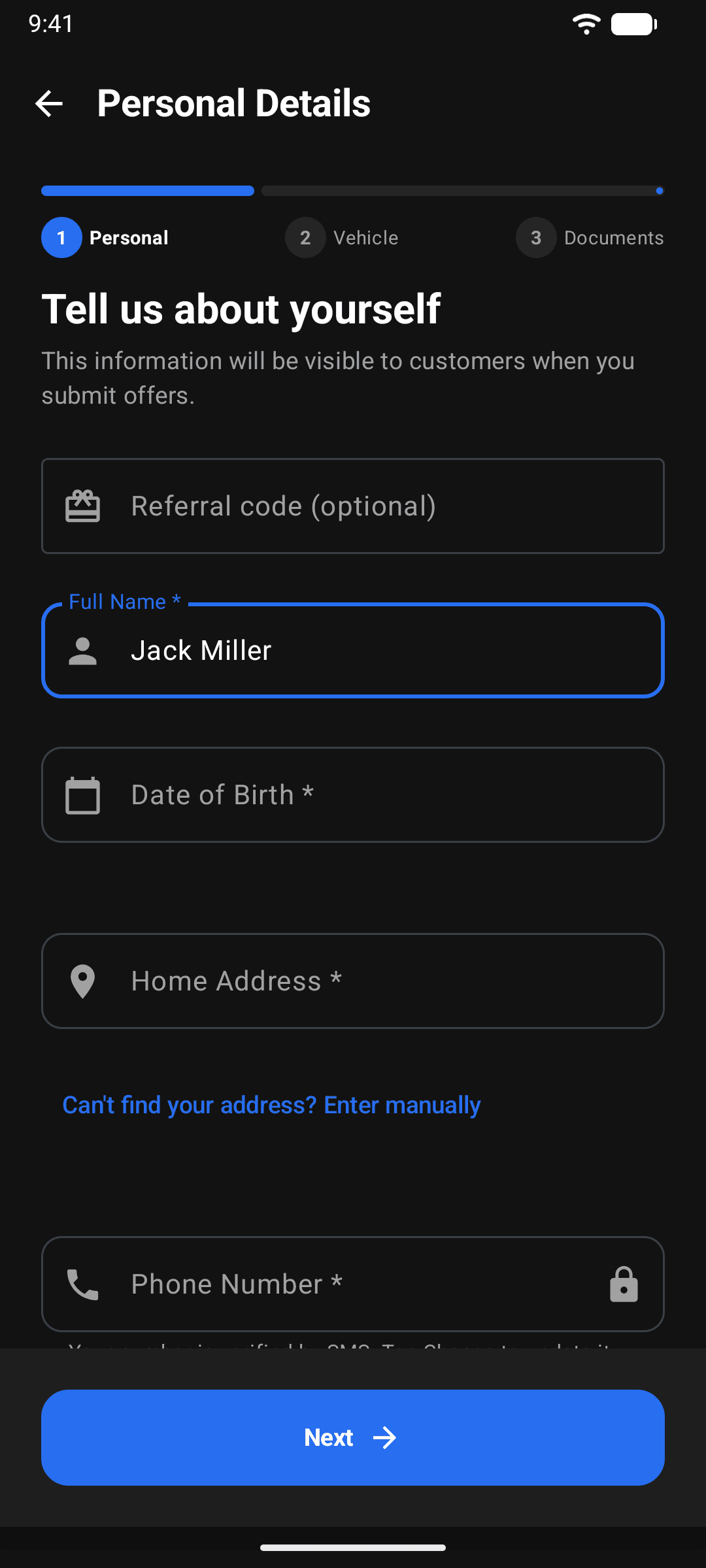
Download eMoval Driver from Google Play and sign up. You'll need to be 18 or over, legally entitled to work in the UK, and hold a valid licence for the vehicle you drive. Got a referral or promo code? It goes in the box at the top of setup, and it can't be added later.
Add your vehicle and details
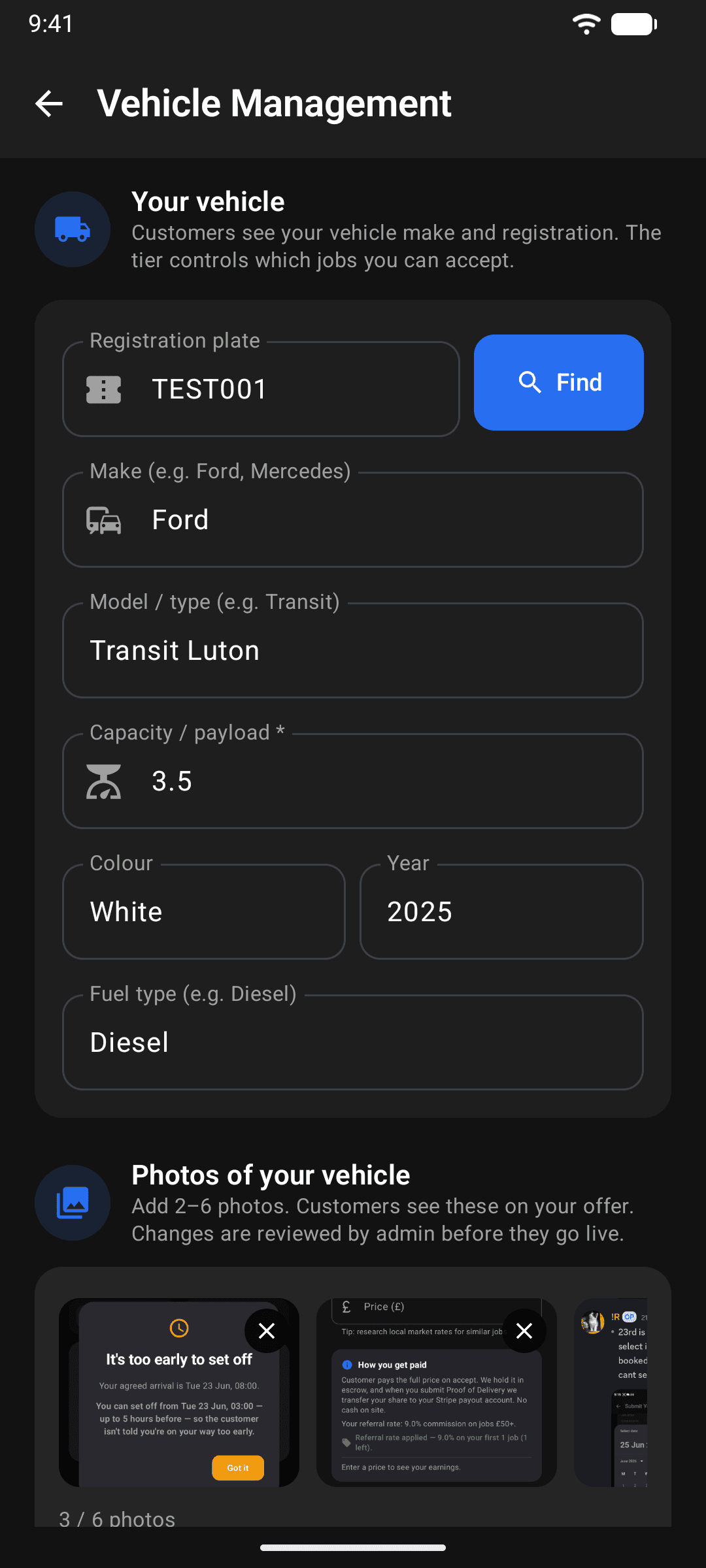
Tell us about yourself and your van or recovery truck: registration, make, model and load capacity. Customers see your vehicle on every offer you send, so keep it accurate.
Upload your documents
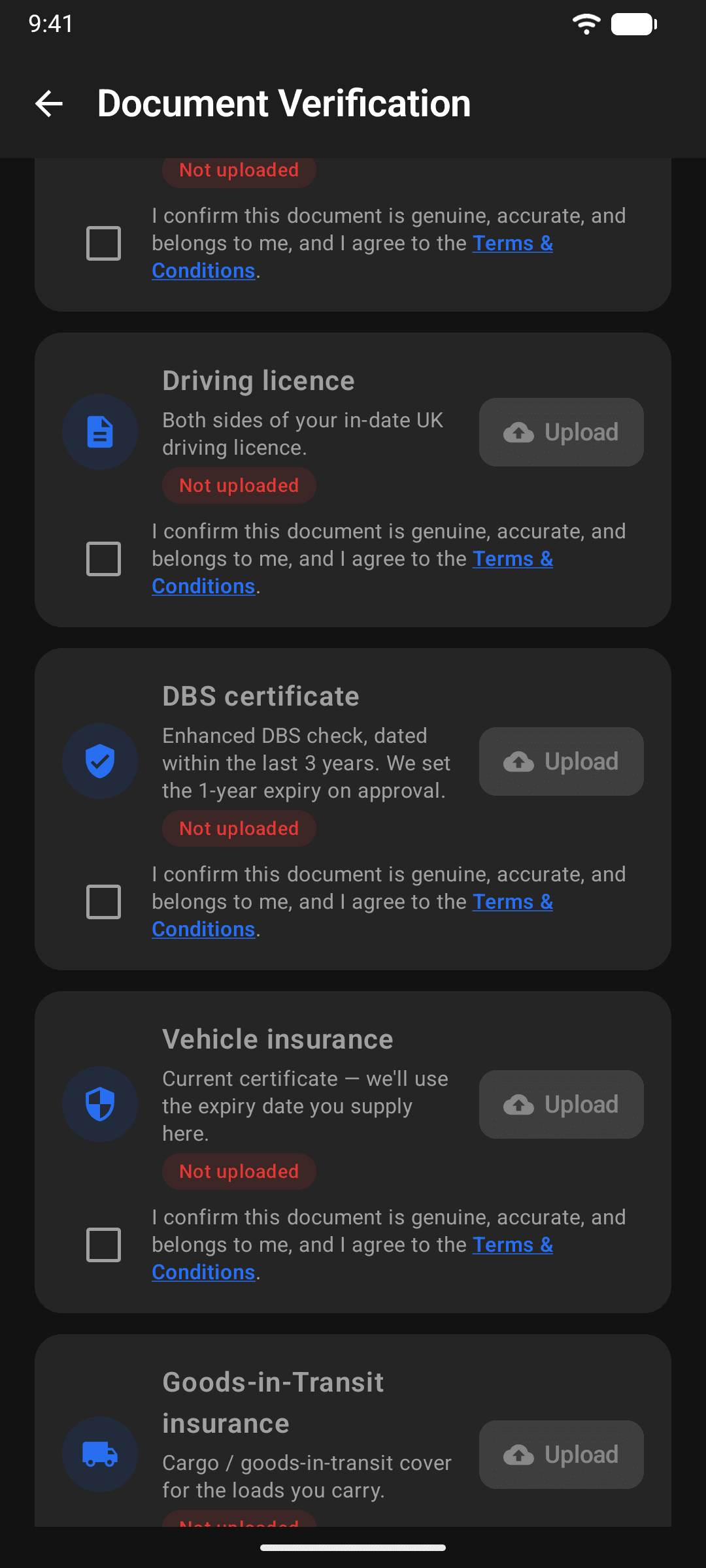
You can't take jobs until this step is done. Upload each required document in the app: a clear profile photo, your driving licence, motor insurance with the right cover for the work, goods-in-transit insurance, proof of address and an enhanced DBS certificate. You don't need to upload any MOT paperwork, because we check your vehicle's MOT automatically against the DVLA. Our team reviews and approves everything, usually quickly.
Blurry photos are the most common reason documents get rejected. Lay the document flat in good light with all four corners in the frame.
If a document expires later on, your account is paused automatically until you upload a valid replacement, so keep an eye on the expiry reminders.
Set up payouts
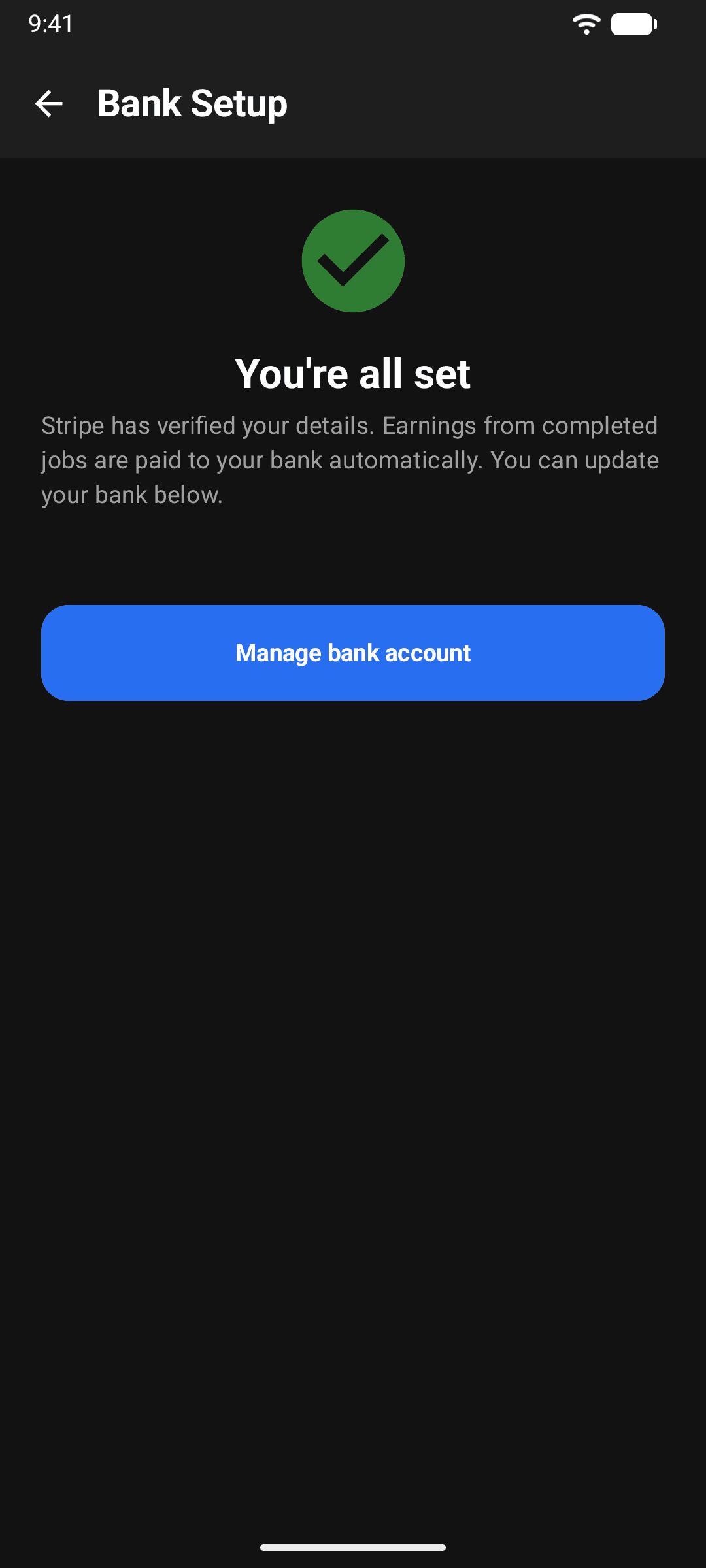
Connect your bank through Stripe during onboarding. It takes a couple of minutes, and Stripe is the same payment system used by millions of businesses. Earnings from completed jobs are paid to your bank automatically.
Go online and find jobs
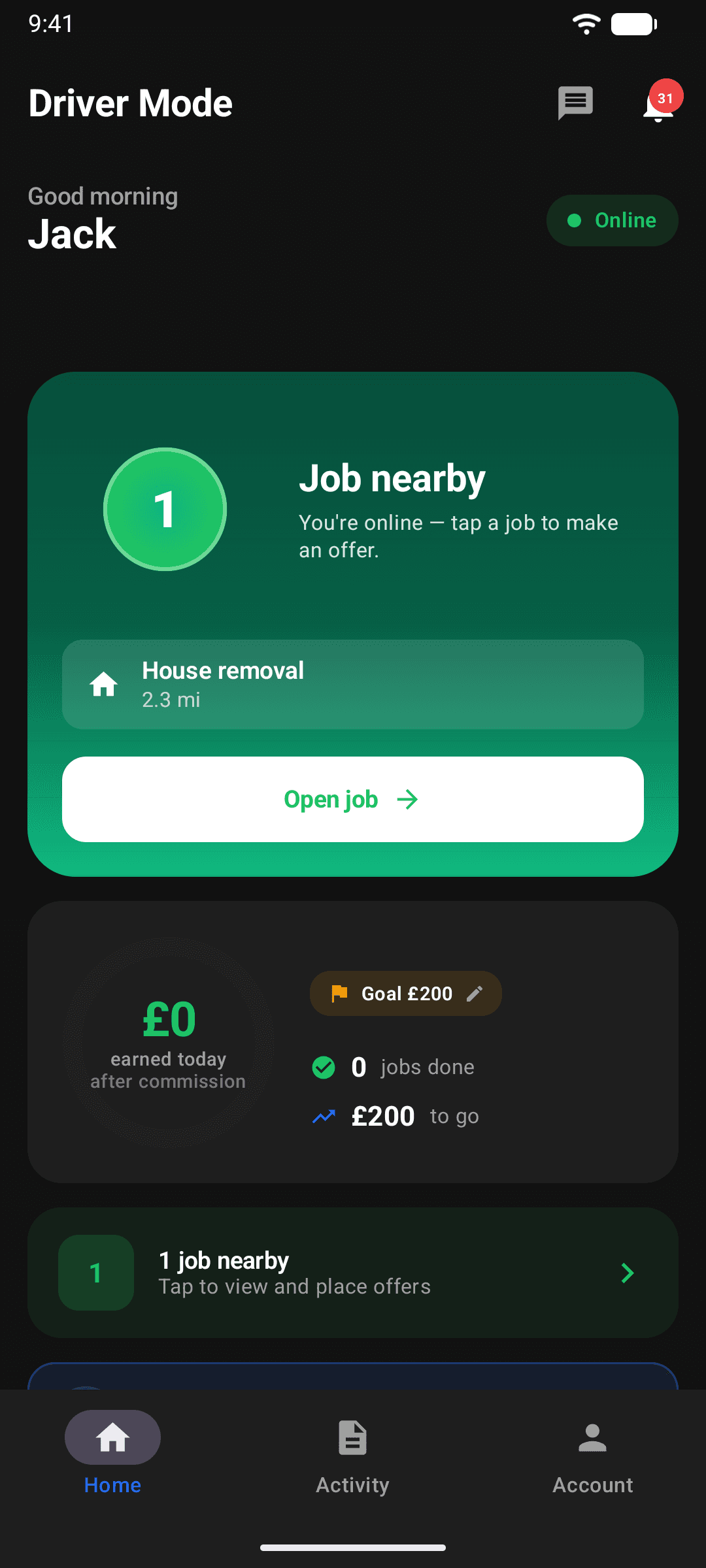
Flip yourself Online and jobs near you appear on your home screen and in Available Jobs. You can sort by ASAP-first, closest or newest, and filter by distance. Every job shows the route, the details and the photos the customer added.
Send an offer at your price
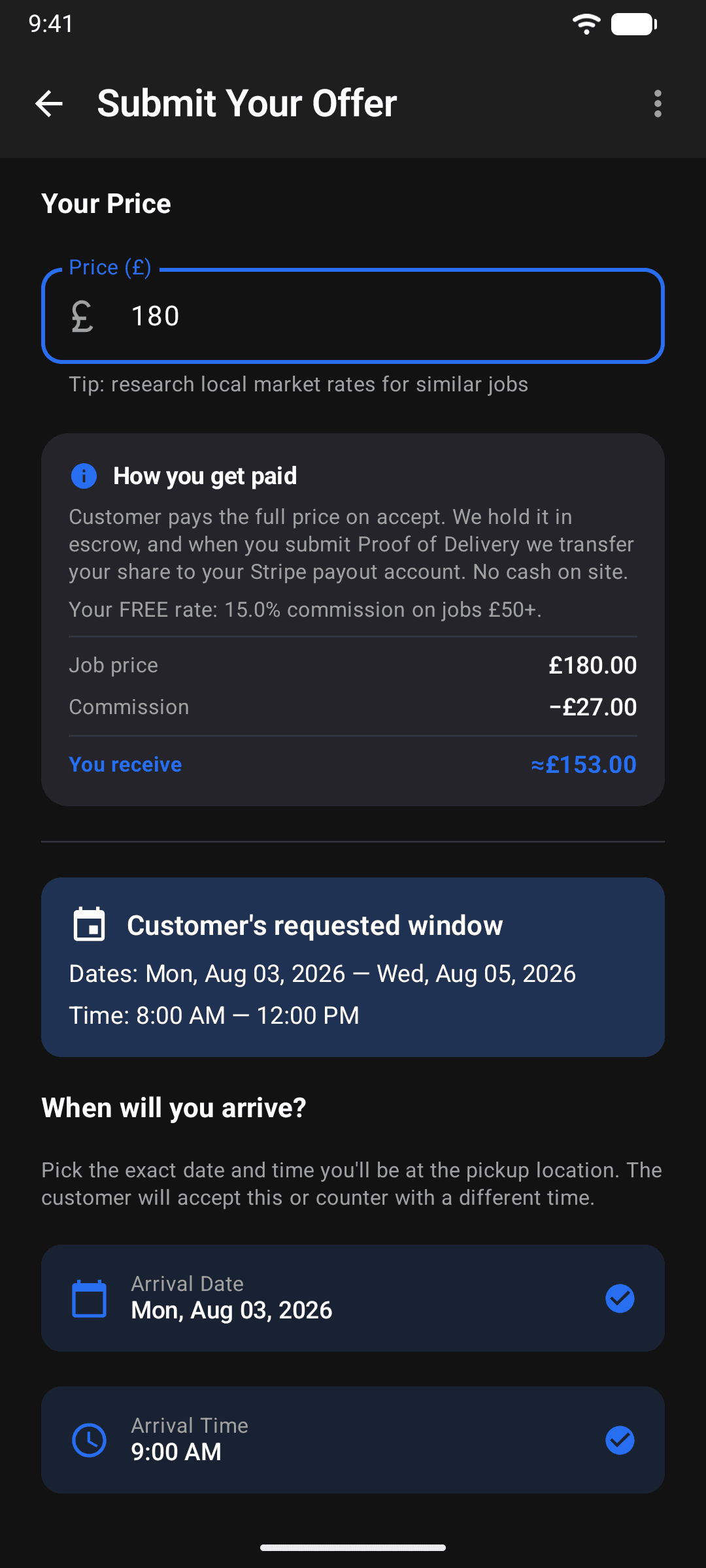
Found a job you want? Send an offer with your price. Before you send it, the app shows exactly what you'll earn after commission. No algorithm sets your rate and there's no forced dispatch. The customer sees your rating, vehicle and price next to other offers, and they can accept or counter.
On emergency jobs you leave the moment the customer accepts, so only send an offer if you're ready to go.
Run the job in the app
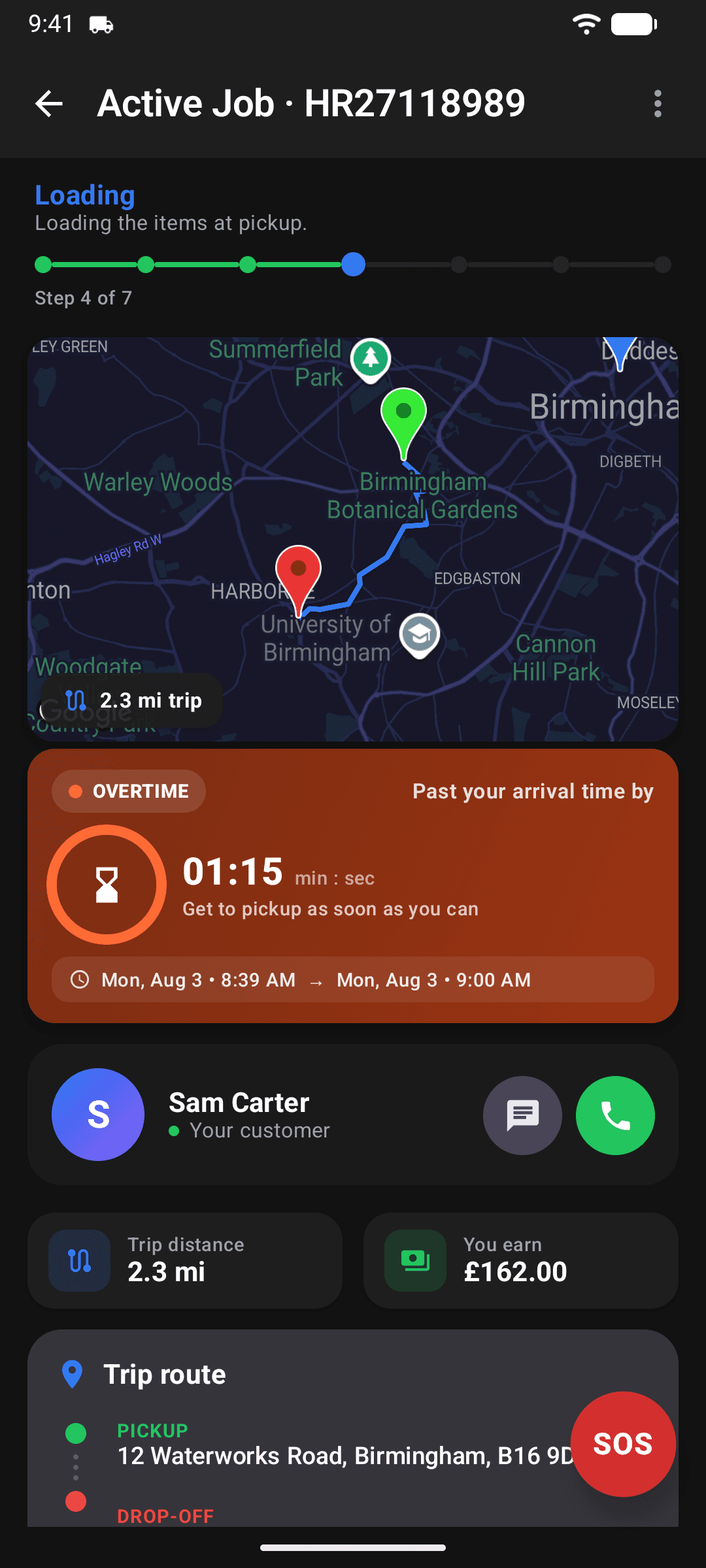
The active job walks you through every milestone: on the way, arrived, loading, to drop-off, unloading, complete. The customer follows you on the live map, and you can message or call them right in the app while your personal number stays private. Record condition photos at pickup and proof of delivery at the end.
Get paid and keep more of it
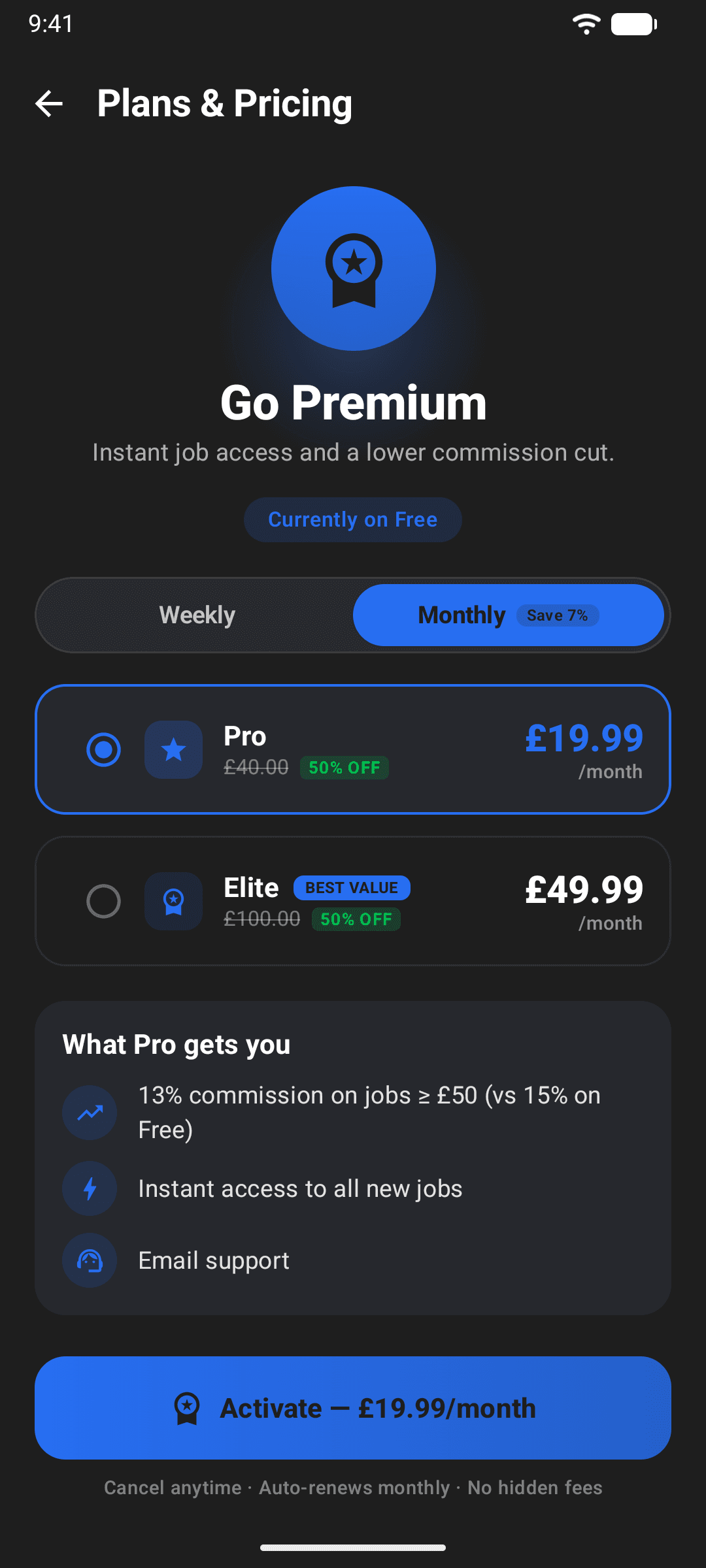
The customer paid when they booked, so when you complete the job your share is released and paid to your bank through Stripe. On the free plan you keep 85% of every job over £50, and smaller jobs carry a flat £5 fee instead. Upgrade to Pro (13% commission) or Elite (10%) for a lower cut and instant access to new jobs.
Booking a move instead?
The other half of eMoval, explained the same way.