eMoval for customers
This guide walks you through how eMoval works when you need a car recovered or a home moved, and what happens at each step.
Create your account
Download eMoval from Google Play and have a look around. You only need an account when you're ready to book. Signing up takes a minute: your name, date of birth (you'll need to be 18 or over), email and a password, then a one-time code to verify your phone, because drivers need a way to reach you on the day. You won't be asked for card details until you actually book something.
Choose your service
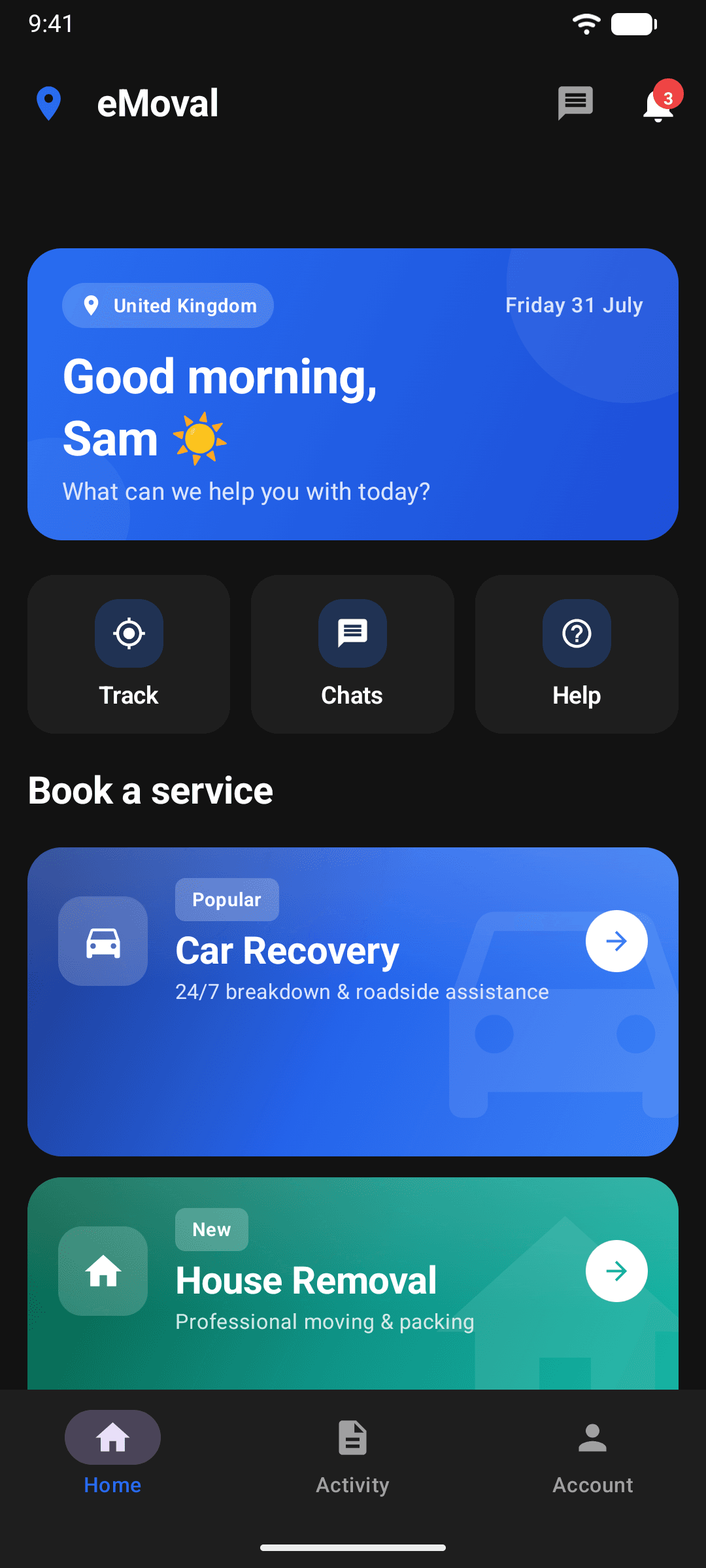
The home screen gives you the two things we do: Car Recovery for breakdowns, non-runners and vehicle transport, and House Removal for full moves, single items and everything in between. Tap the one you need.
Set your route
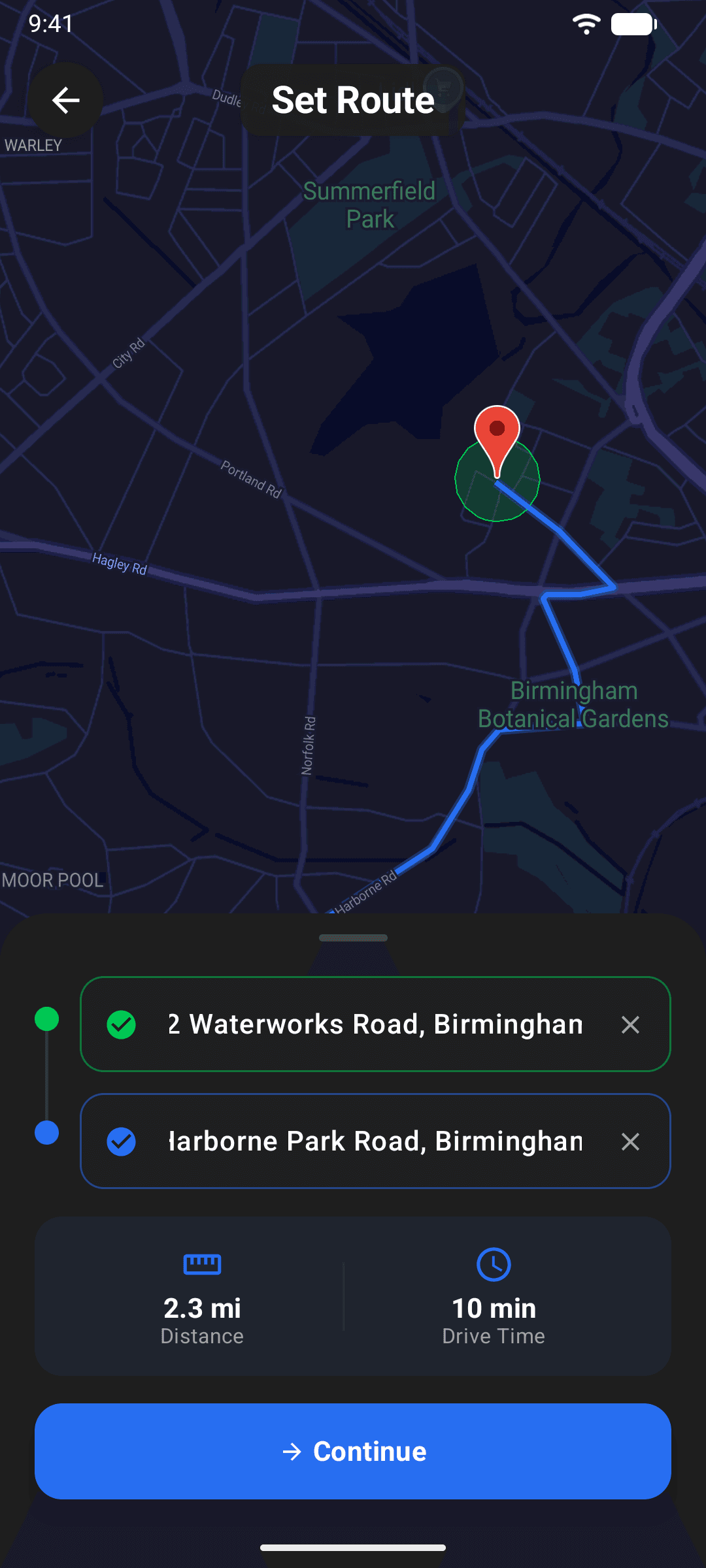
Enter your pickup and drop-off. Search by address or postcode, use your current location or type it in manually, then confirm each point on the map with a pin. You'll see the route, distance and drive time before you continue.
Describe the job
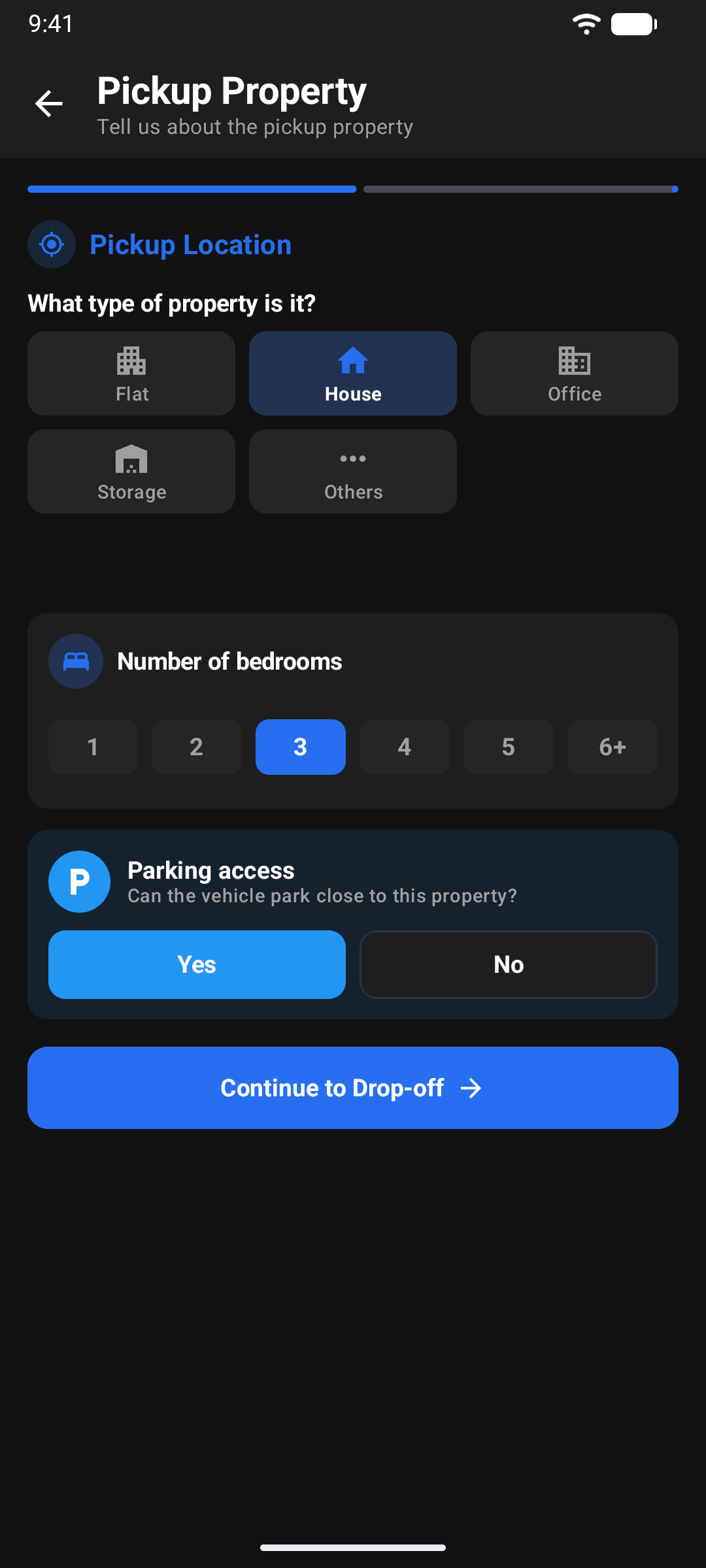
For removals, you describe the pickup property and then the drop-off (the type, number of bedrooms and whether a van can park close) and answer two quick questions about packing and large items for your driver. For car recovery, enter your reg and we'll look the vehicle up, then tell us whether it's drivable. Honest answers here mean accurate prices later.
Parking access matters more than you'd think. Flag it if the van can't stop outside.
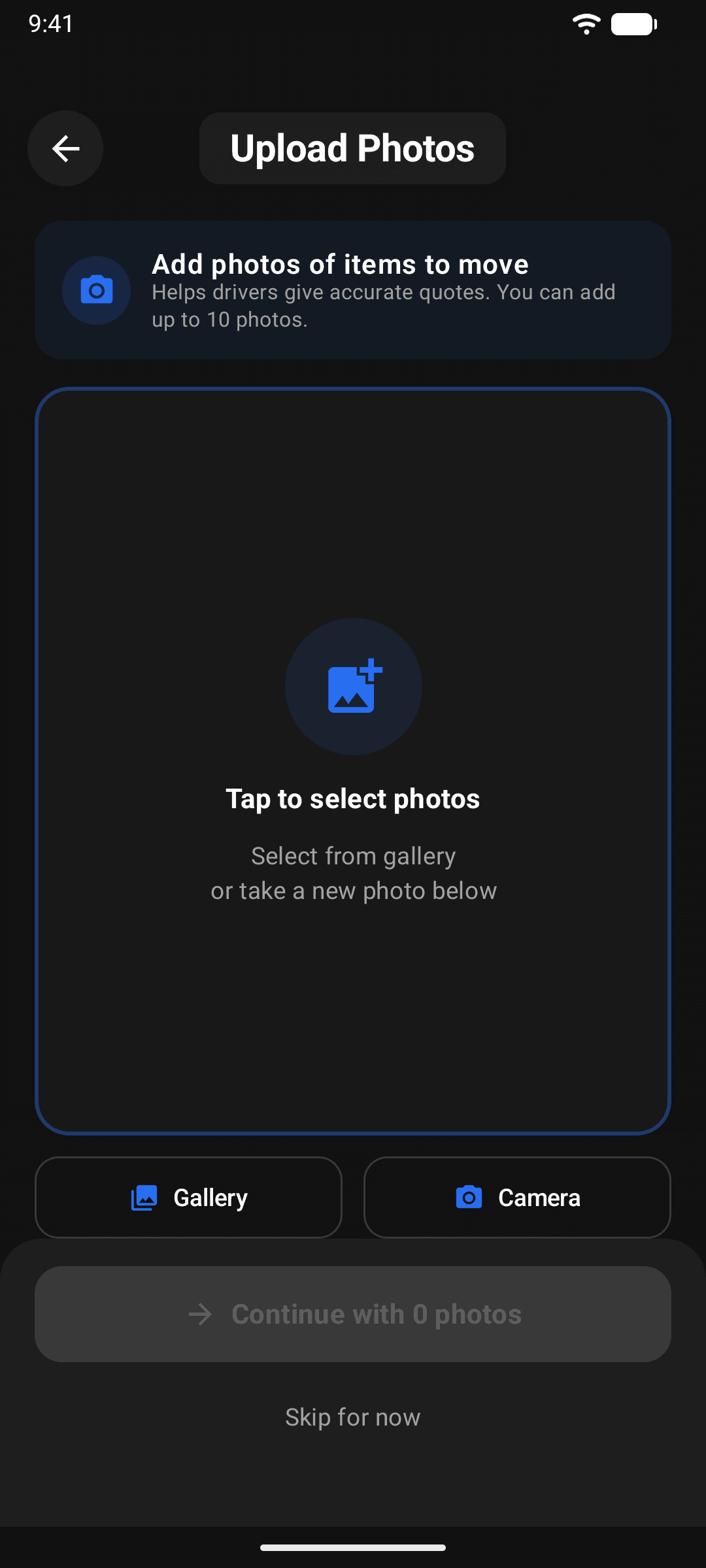
Add photos of what's moving
Snap or upload up to 10 photos of the items (or the vehicle). Drivers quote off these, so the more they can see, the sharper the offers. You can circle the items that matter most so nobody misses them. Anything that isn't in a photo goes in the text box, because drivers can refuse items they weren't told about.
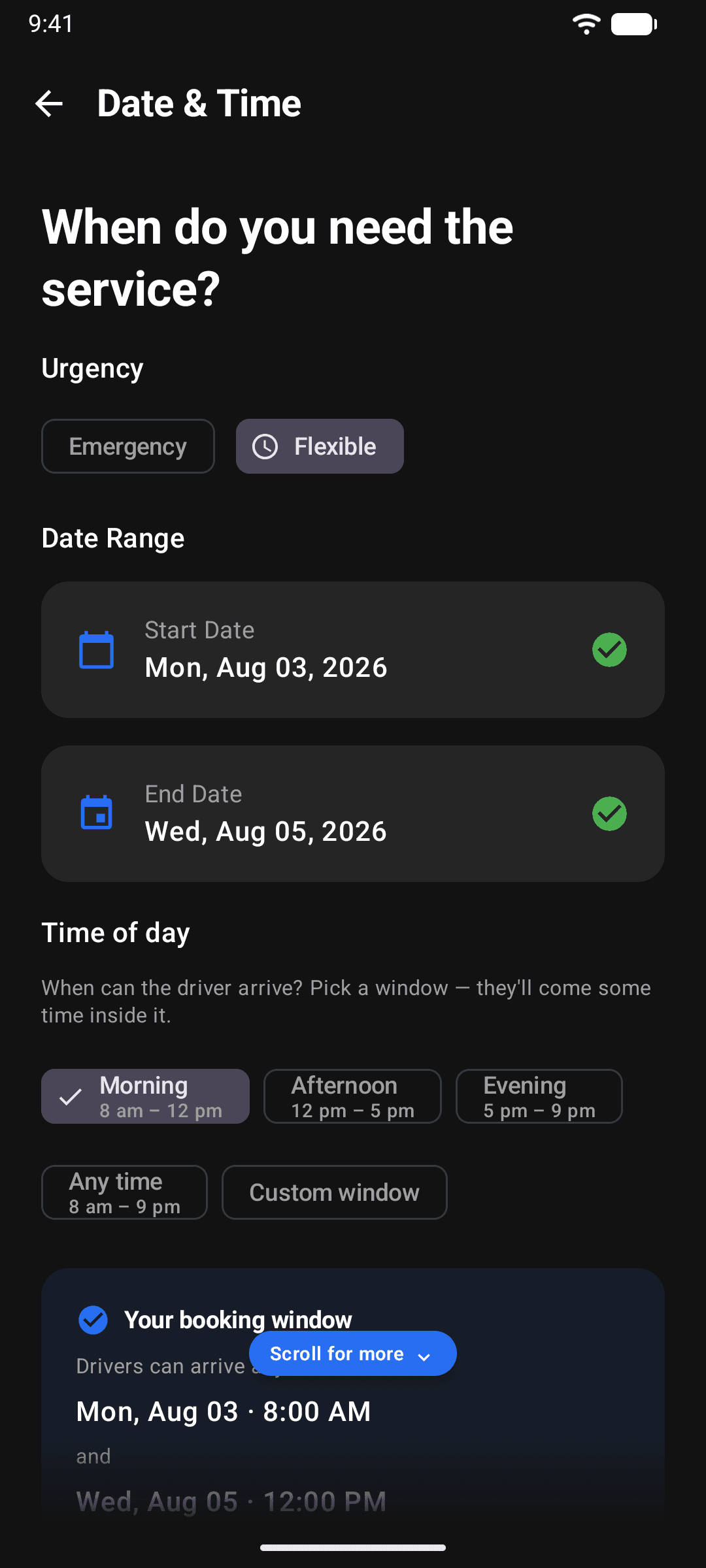
Pick your timing
Emergency means right now. Drivers are alerted instantly and dispatched the moment you accept an offer. Flexible lets you set a date range and an arrival window (morning, afternoon, evening, any time, or a custom window) for a lower price.
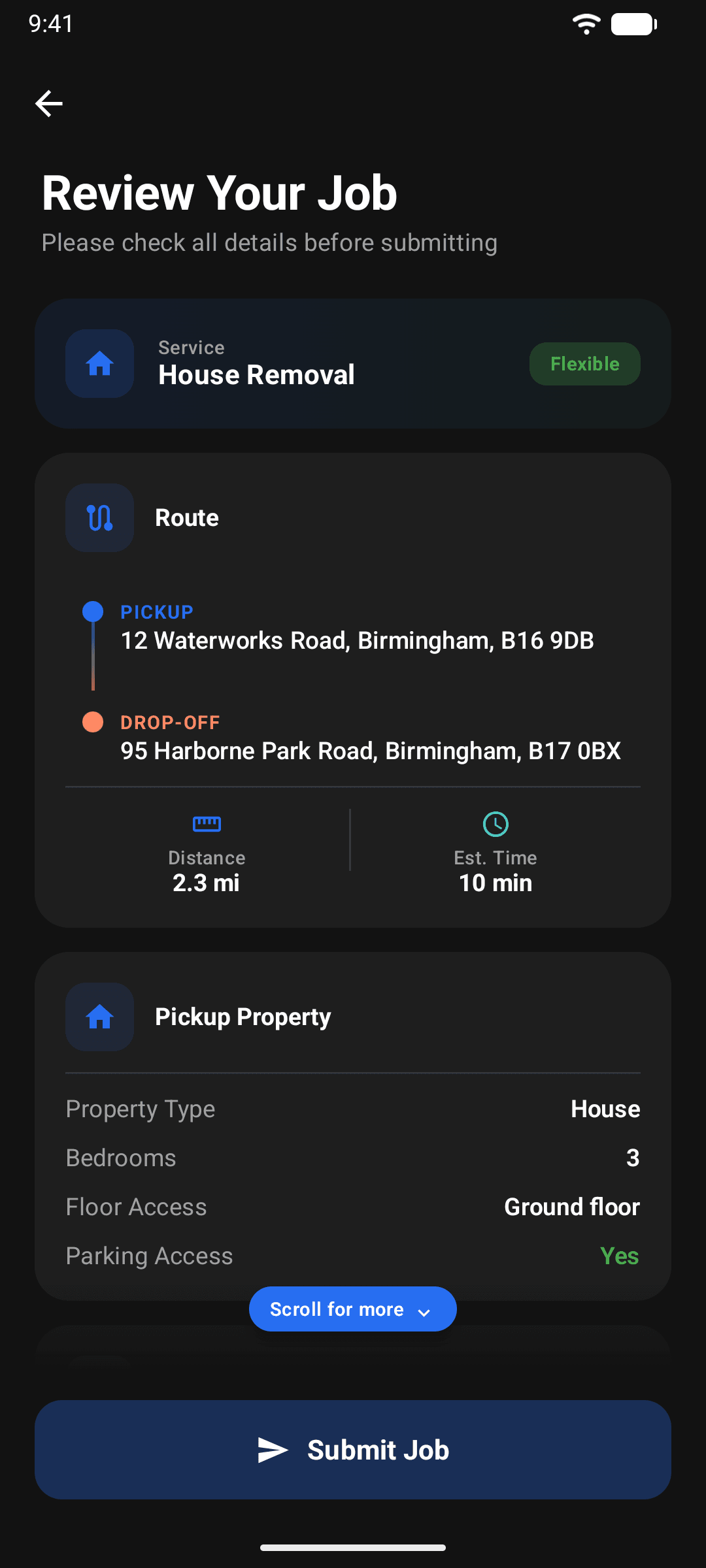
Review and post
One last look at the route, details and schedule, confirm that everything you need moved is in the photos or listed, and post the job. Posting is free and you haven't paid anything yet.
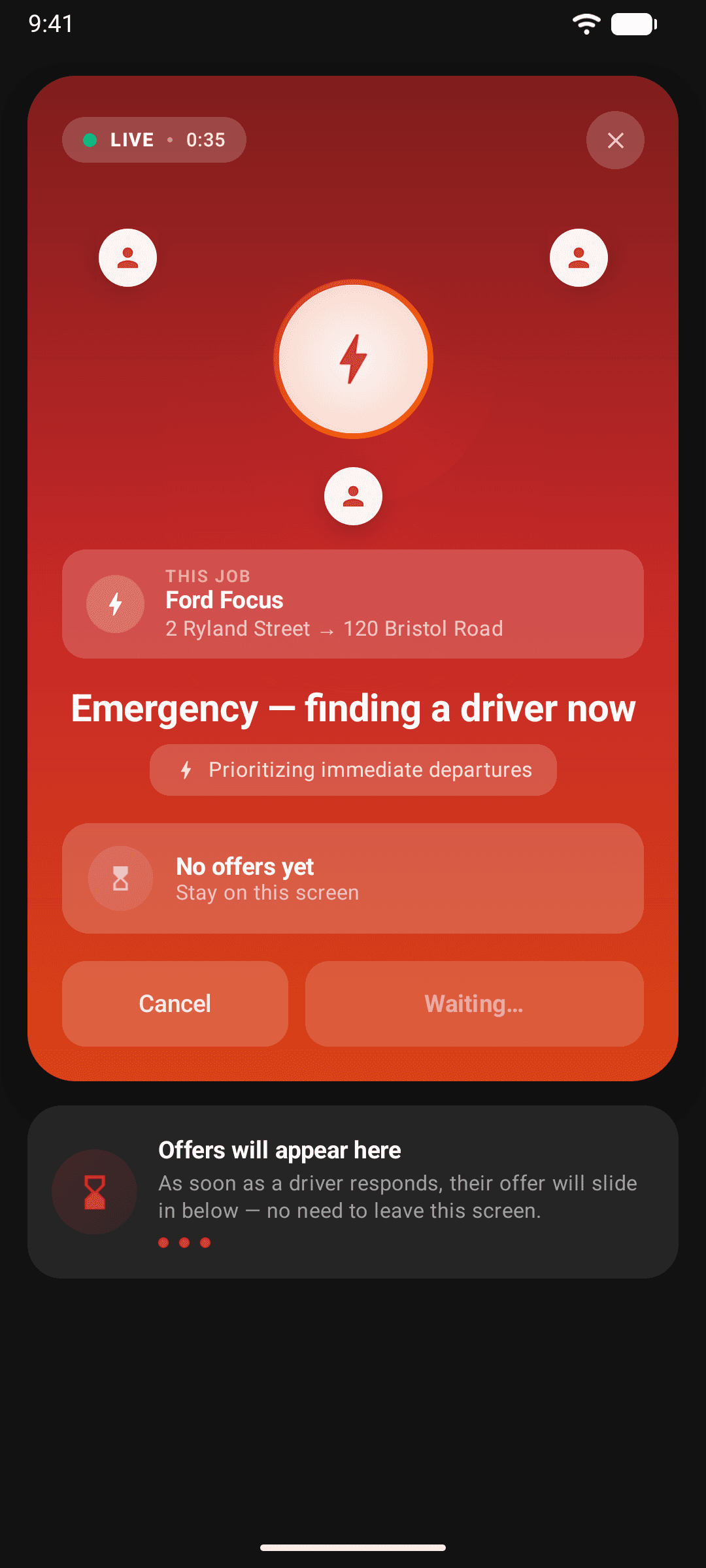
Offers come to you
Vetted drivers near your pickup are alerted and reply with their own price. Each offer shows the driver's rating, vehicle and price. Tap one to see their profile, then accept it, counter it or wait for a better one. Nothing is booked until you accept.
On emergency jobs each offer lasts around 10 minutes (drivers can extend it slightly), so accept quickly. Your driver leaves the moment you do.
Pay securely
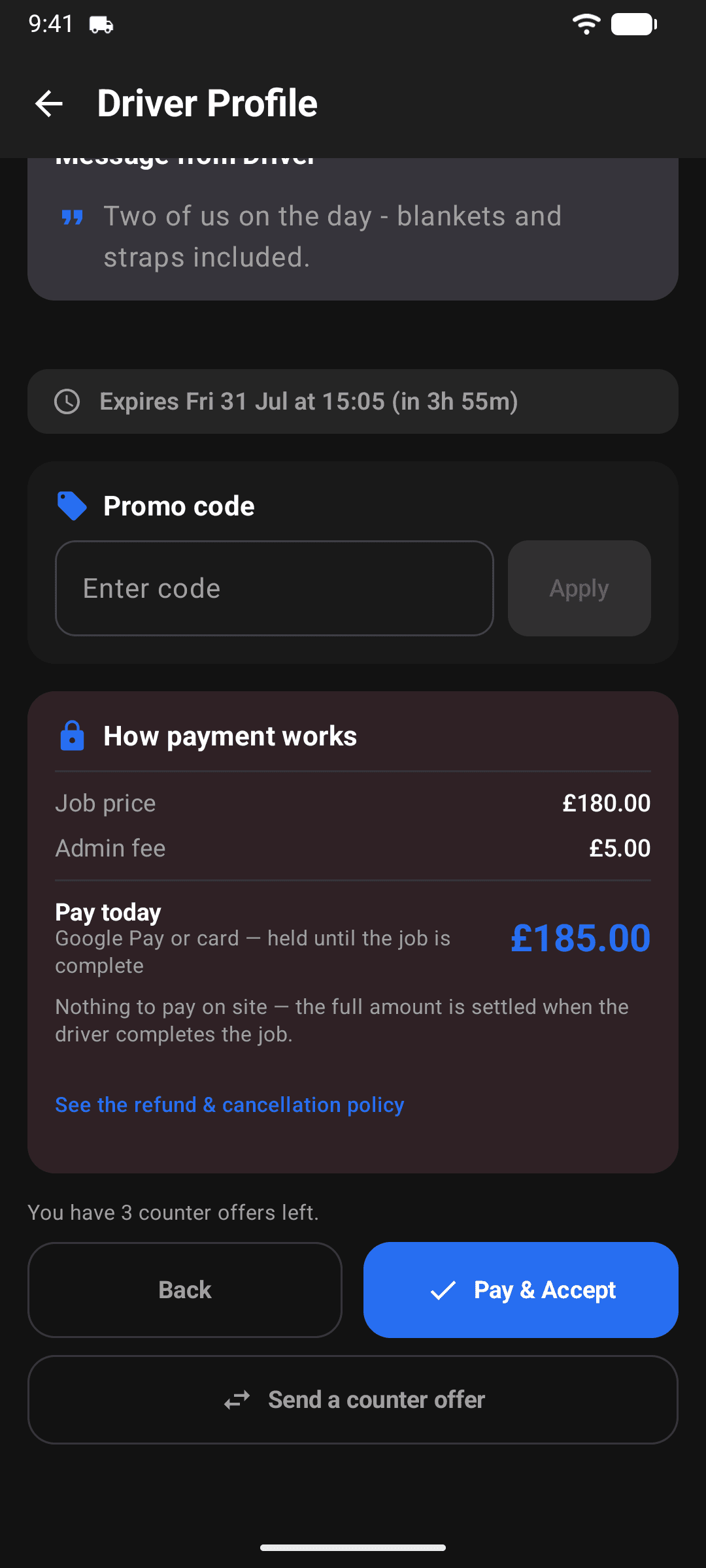
When you accept an offer you pay the full price by card or Google Pay through Stripe. Before you confirm, you'll see the exact breakdown: the job price plus a small booking fee. This is also where your promo code goes if you have one. eMoval holds the money until the job is finished, so the driver only gets paid when the work is done, and there's nothing to pay in cash on the day.
Track, chat, and rate
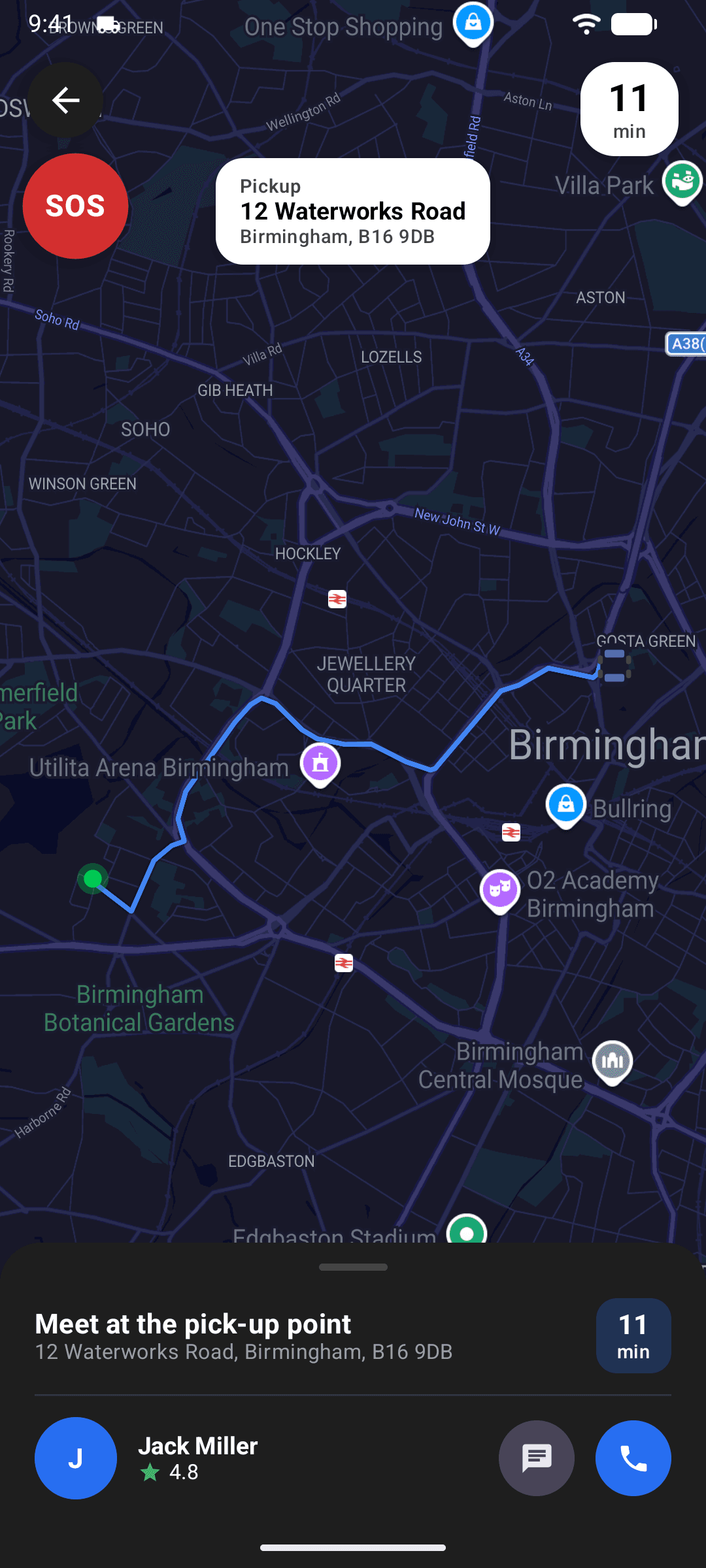
Watch your driver approach on the live map with an ETA. Message them or call them right in the app, and nobody sees your real number. When the job is complete, payment is released to the driver and you leave a rating. You can add a tip too if they've earned it, and 100% of it goes to your driver.
Drive for eMoval instead?
The other half of eMoval, explained the same way.